Add Posted To Batch
Getting Started
Have you ever posted records in the wrong month and needed to delete and re-enter them? In 19 out of the 22 batch forms where records can be re-added the standard process requires adding each record individually—a time-consuming task.
With these templates, you can quickly download posted records to identify which ones need to be added back to a batch. Simply click a button, and all selected records are re-added, streamlining the correction process.
Available Templates
- Add Posted To Batch – AR Cash Receipts
- Add Posted To Batch – AR Invoice Entry
- Add Posted To Batch – CM Outstanding Entry
- Add Posted To Batch – CM Transfers
- Add Posted To Batch – EM Cost Adjustments
- Add Posted To Batch – EM Fuel Posting
- Add Posted To Batch – EM Meter Readings
- Add Posted To Batch – EM Usage Posting
- Add Posted To Batch – GL Journal Transaction Entry
- Add Posted To Batch – IN Adjustment Entry
- Add Posted To Batch – IN Material Orders
- Add Posted To Batch – JC Cost Adjustments
- Add Posted To Batch – JC Material Use
- Add Posted To Batch – JC Revenue Adjustments
- Add Posted To Batch – PO Change Order Entry
- Add Posted To Batch – PO Purchase Order Entry
- Add Posted To Batch – PO Receipts Entry
- Add Posted To Batch – PR Leave Entry
- Add Posted To Batch – PR Timecard Entry
- Add Posted To Batch – SL Change Order Entry
- Add Posted To Batch – SL Subcontract Entry
Known Issues With Vista
The templates below have a known issue related to Marking the records as D-Delete. Each individual guide calls out the known issue and provides a workaround.
The Three Outliers
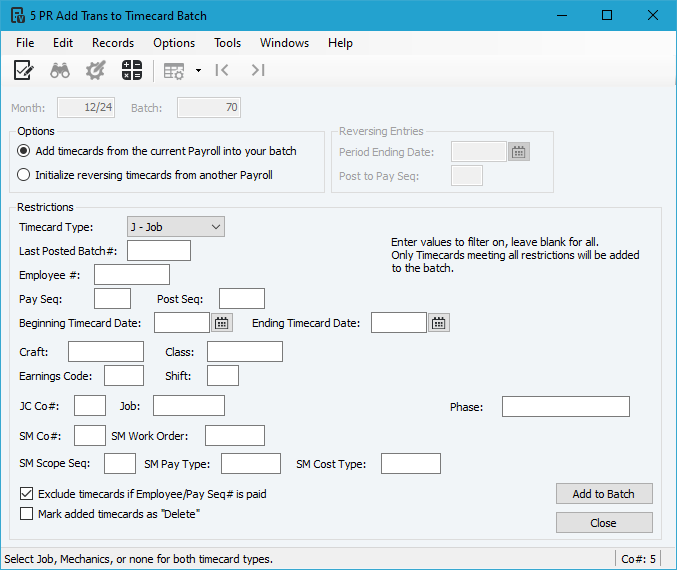
The three Vista forms below offer more options when adding transactions to a batch.
If you need to add back records from an entire batch then it's most likely faster to use the Vista process for these forms.
AP Transaction Entry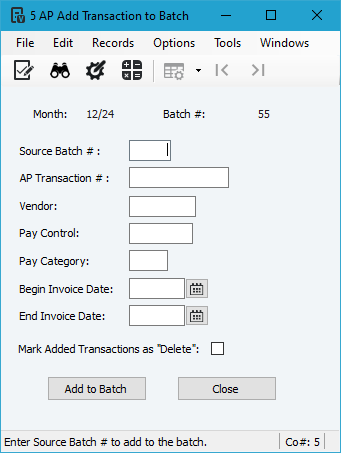
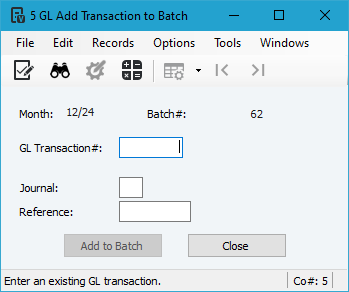
GL Journal Transaction Entry (Reference = Batch # for Non-GL Entries)