Delete TAD License
Getting Started
If you need to reassign a TAD License uncheck the Active License box for the user to prevent them from counting against your licenses, or if one of your users is no longer with your organization, you can delete their license assignment.
Since the TAD configuration tables have triggers that prevent the deletion of security records, you must use the button that bypasses those triggers to delete the license.
Delete License
On the Vista main menu, go to User Database → Programs, and you will see the TAD forms.
Open the TAD Admin – Licenses form.

Select the VPUserName that you want to remove.
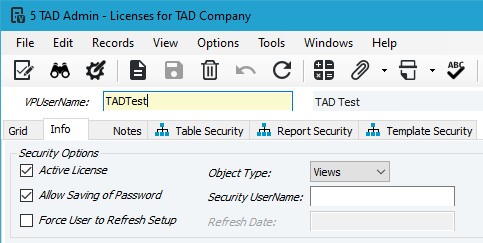
On the right side, click the Delete License button.

You will receive the message below stating that the licensed user has been deleted, along with all associated security records.
