Install Updates for 2.27.5 and Prior
Getting Started
If you are upgrading from TAD Version 2.27.x you can follow the First-Time Installation instructions.
After the installation, go to User Database → Programs, where you will see the TAD forms.
Open the TAD Admin - Licenses form.

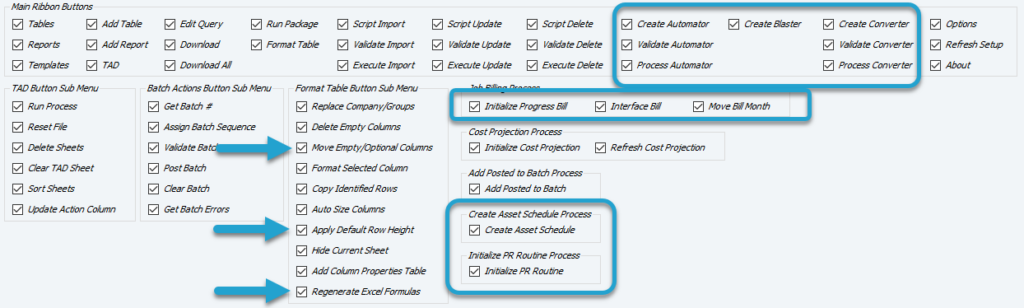
All new ribbon button checkboxes will default to no access. Review the new buttons and check any that you want to grant access to for your users.
Version 2.26.#
If you are upgrading from TAD Version 2.26.x, you need to email support@transferalldata.com to receive the upgrade scripts for 2.27.5. Once the upgrade is installed, you can follow the First-Time Installation instructions.