TAD Admin - Log
Getting Started
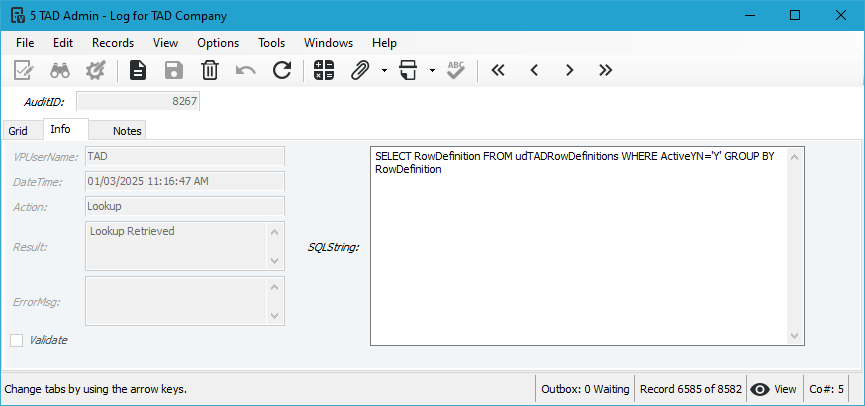
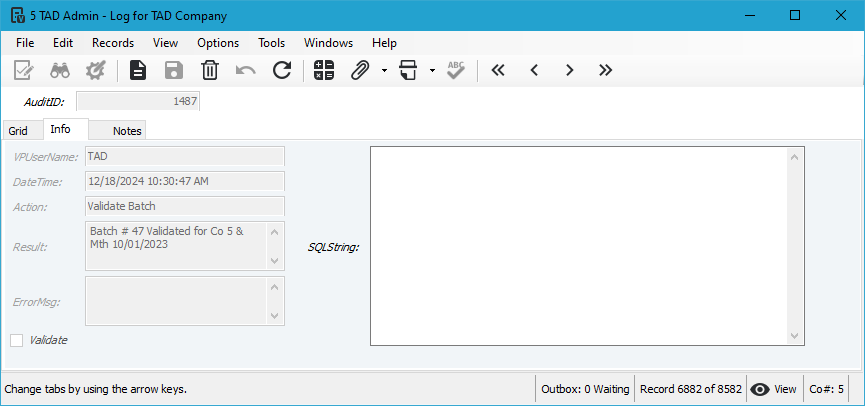
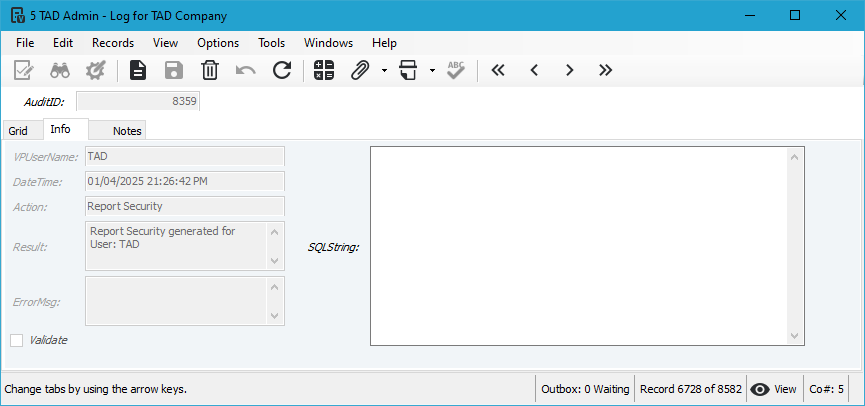
Every action that a user takes in TAD is tracked in the log table. That includes all Downloads Imports, Updates, Lookups, Attachments, etc. Each record shows the VPUserName, DateTime, Action and Result.
You can control what is audited by visting the TAD Admin - Version Vista form.
Vista Form
Report Download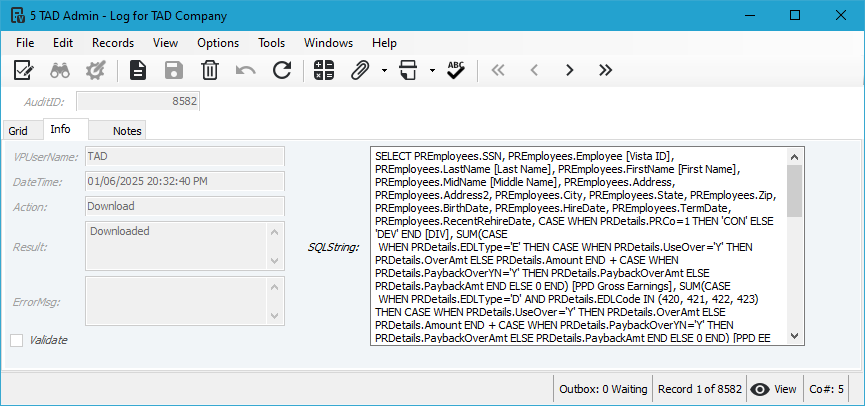
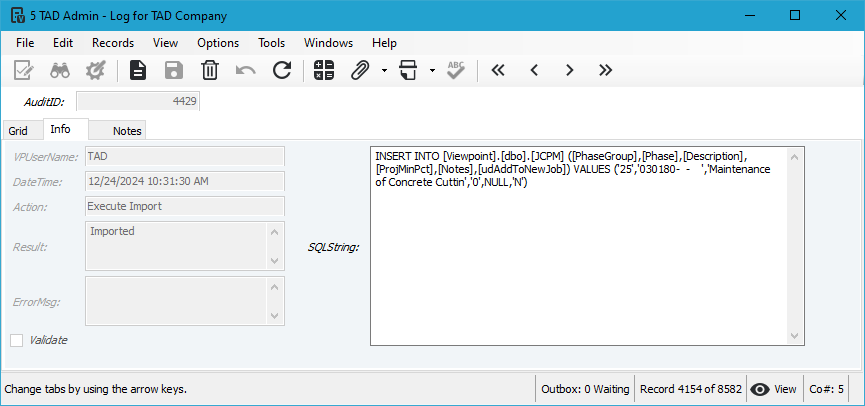
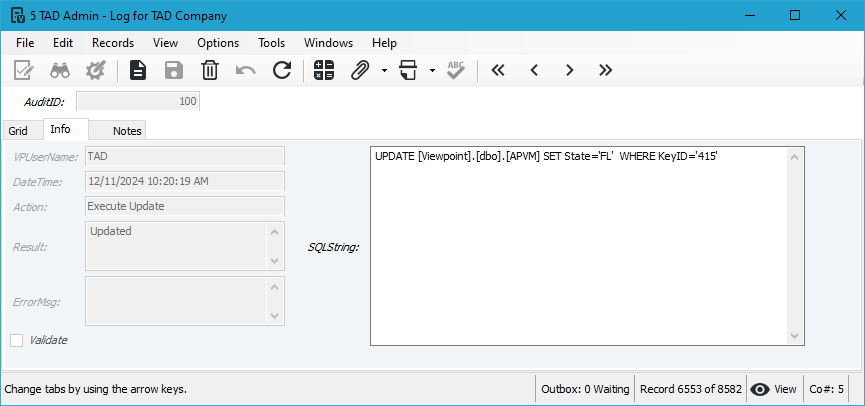
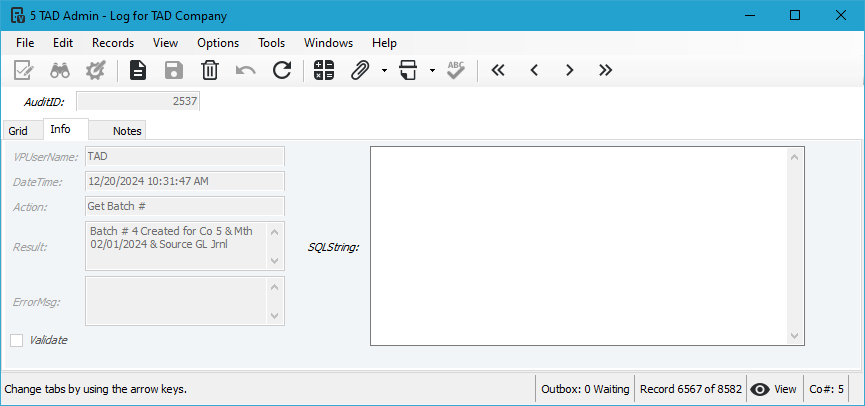
Fields
- AuditID
- VPUserName
- DateTime
- Action
- Result
- ErrorMsg
- Validate
- SQLString